
Work environment for a construction company
Construction is moving.
Info persists
koos.
Offers, projects, acts and working hours in one place. SimpleBuild helps to keep the daily work in order, from the first price request to the overview of the work done.
Choose a plan and add-on modules. See your total price instantly.
Already a user? Log in to the work environment ↗
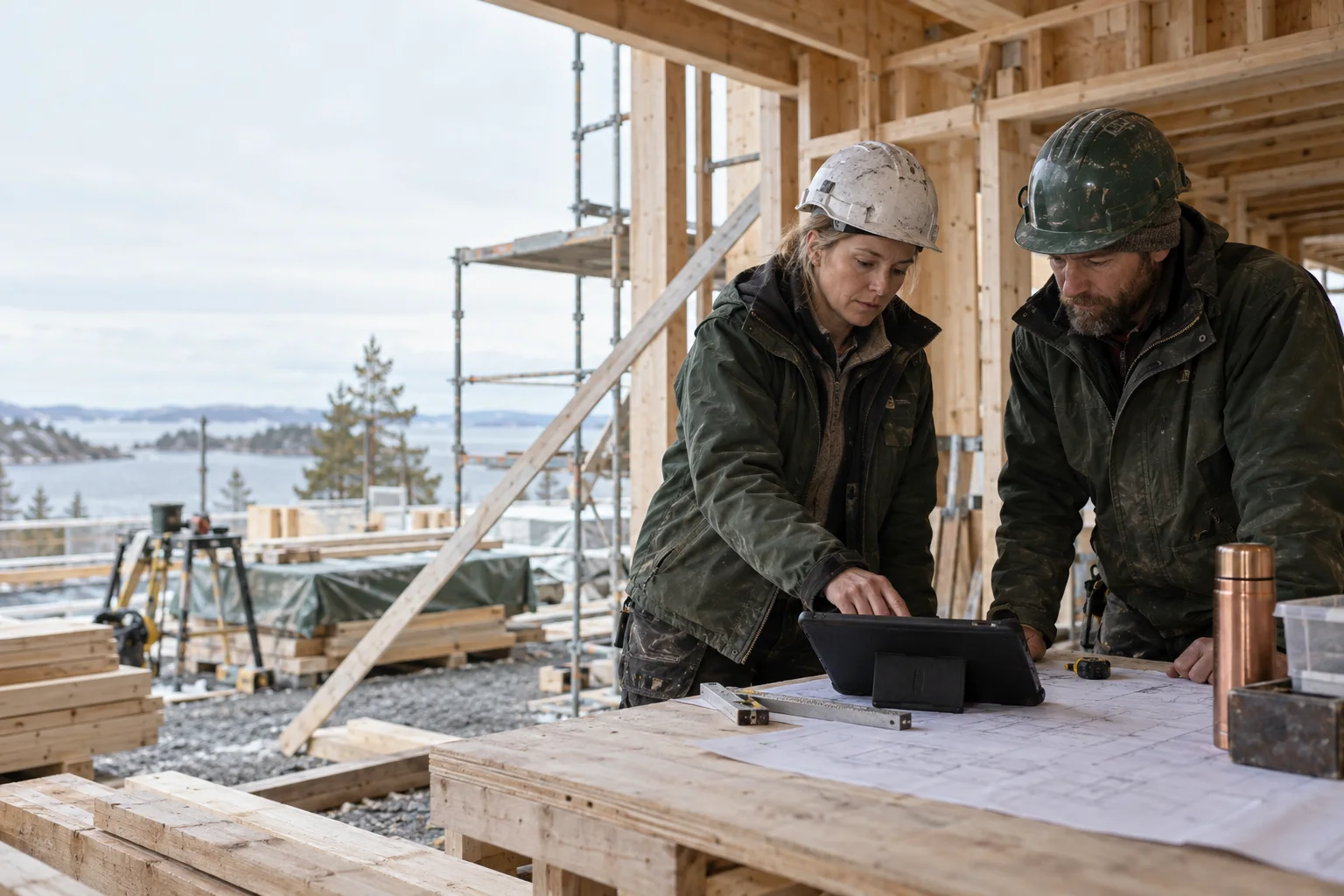
Good review. Every day.
A job is not a bunch of documents
This is a single object.
Look around him.
Click on an offer, project, document or working hours on the map. Everyone has their place. Together, an overview emerges.
rebuildPR–014 / Sample Client
Before the first day of work.
Works, volumes and prices become one offer. You can change the VAT rate and print out the document for the customer.
- 48 m² partitions
- 120 m² of finishing
- €7,200 without VAT
The object has its own memory.
The approved offer becomes a project. Object data and related documents remain in the same workflow so that the next step does not start with a search.
- Office remodeling
- Related Offer P–014
- Project PR–014
Work done takes shape.
Form the volumes of the performed works into a document. Use the contract lines related to the project, set the VAT and prepare the document for printing.
- 48 m² partition walls ready
- 60 m² finished
- €5,280 without VAT
Eight hours is also information.
Write the working hours for the object and the day. In the report of the appropriate period, you can find an overview of the team's work so that the dates do not remain on the side of the notebook.
- Sample Worker · 8 hours
- Object PR–014
- Period of your choice
The right person. In the right place.
Keep customer and vendor contact information together. Assign company users appropriate access for their work tasks.
- Sample client
- Company contact information
- Team user rights
02 / WORKING ARRANGEMENT THAT MOVES WITHFrom office to site
Overview is
always within reach.
Offer in the morning. An object during the day. Working hours in the evening. SimpleBuild consolidates them into one working day, the information of which can also be found during the next project.
See how the work is progressing ↗One object. Three views.
Click through.
That's how the work goes.
See how the information of the same object moves from the offer to the project and to the act of completed works. Below is an example with fictional data.
Office remodeling
Sample client · Jobs and volumes on one page
Volumes, prices and VAT.
A clear offer to the customer.
Office remodeling
Sample customer · The offer information is moving along
Offer your own project.
One place for object overview.
Office remodeling
Sample client · Formalization of completed works
Work done and VAT to be changed.
A document that you can print.
MODULES WORK TOGETHER
The next step is ready.
The decision is up to you.
SimpleBuild prepares a related record based on the available information. You review the preview, specify the values and confirm. The same applies to updating a related record.
- 01Source infoYou are saving a job or change.
- 02PreviewYou can see the values offered.
- 03 / YOUR DECISIONYou confirm or cancelNo record is created before consent.
- 04Related recordInformation moves forward in the same workspace.
Project change → estimated additional work. The cost estimate is a starting point. You check the sales price, quantity and VAT yourself before creating the draft.
See approved workflows ↗The company's own workspace
One platform.
Each company has its own workspace.
Each company gets its own users, data and settings in SimpleBuild. The team works in its own environment; companies are managed in a separate administrative center.
Prices and packages
Choose for your workload
suitable solution.
Select the necessary tools and the appropriate billing period. You can create your company account now. Build your own workspace ↗
Budgeting
24% VAT is added to the price.
Views of offers, quotes, customers and odds in the existing working environment.
What does the package contain?
Included in the basic price of the package:
- Quotations
- Price inquiries
- Customers and Vendors
- Users
- Coefficients
- Company settings
Additional modules are priced separately: site work, team, property, finance, customer cooperation, schedule, design, procurement and occupational safety. Add only those that your company uses. See additional modules ↗
Management of construction objects
24% VAT is added to the price.
Offers and price inquiries with projects, acts and act estimates.
What does the package contain?
Included in the basic price of the package:
- Quotations
- Price inquiries
- Customers and Vendors
- Users
- Coefficients
- Company settings
- Projects
- Work completion certificates
- Act forecasts
Additional modules are priced separately: site work, team, property, finance, customer cooperation, schedule, design, procurement and occupational safety. Add only those that your company uses. See additional modules ↗
Construction company management
24% VAT is added to the price.
All views of the existing work environment, including working hours, warehouse and purchase invoices. Additional views evolve as needed.
What does the package contain?
Included in the basic price of the package:
- Quotations
- Price inquiries
- Customers and Vendors
- Users
- Coefficients
- Company settings
- Projects
- Work completion certificates
- Act forecasts
- Working hours
- Cars
- Trip logs
- Work tools
- Inventory
- Purchase invoices
- Stock movements
Additional modules are priced separately: site work, team, property, finance, customer cooperation, schedule, design, procurement and occupational safety. Add only those that your company uses. See additional modules ↗
Making the work day easier.
Talk about the work organization of your company and we will find a suitable solution.
Grow by your work
One workspace.
Additional layers required.
Start with the appropriate basic package. Add object diary, team planning, asset overview, finance or customer cooperation when your company needs them.
Assets
Material orders, tool issues, QR tags, maintenance and fuel consumption.
Module Tools
- Material Orders
- Issuance of tools
- Maintenance
- Fuel consumption
€180.00 / year without VAT
Design
Drawing and document revisions, technical issues, material approvals and BIM notes.
Module Tools
- Drawings and Versions
- Technical questions
- Project changes
- Material approvals
- BIM Notes
€300.00 / year without VAT
Finance
Profitability of objects, additional costs, sales invoices from deeds, receipts and credit invoices.
Module Tools
- Object profitability
- Additional object costs
- Sales invoices
- Receipts
€228.00 / year without VAT
Site
Object log, photos, additional work, quality control, handover, warranty and meeting decisions.
Module Tools
- Site diary
- Additional work
- Quality and defects
- Transfer
- Warranties
- Meetings and decisions
€228.00 / year without VAT
Customer cooperation
Secure sharing of selected documents and client approvals with expiring links.
Module Tools
- Customer Portal
€108.00 / year without VAT
Procurement
Procurement packages, bidders' prices and comparison of bids and subcontracts.
Module Tools
- Procurement packages
- Comparison of offers
- Subcontracting
€228.00 / year without VAT
Site safety
Training, occupational safety inspections, cases and competence deadlines.
Module Tools
- Instructions
- Safety checks
- Cases
- Powers and deadlines
€180.00 / year without VAT
Schedule
Project tasks, deadlines, dependencies, milestones and risk register.
Module Tools
- Tasks and schedule
- Milestones
- Project risks
€228.00 / year without VAT
Team
Calendar of objects and employees, absences and confirmation of working hours.
Module Tools
- Crew planning
- Absences
- Confirmation of working hours
€180.00 / year without VAT
Add the module on startup or later in the billing view of your workspace. The package fee and the prices of selected additional modules are added together. A top-up made in the middle of a period is only paid for the remaining period; the order for the next month or year already includes the full price.